MH-1565MarTech & AI
AI Video Editing Cuts Production From 22 Hours to Under One
Justin Brown of Primal Video produces long-form YouTube videos in about 40 minutes using Claude Code, ChatGPT Codex, HyperFrames and Deepgram — down from up to 22 hours per video.
Wire notes
- Justin Brown's video production time fell from 14–22 hours to under one hour, about 40 minutes for long-form videos.
- Editing runs locally via the Claude app's Code mode or ChatGPT's Codex, reducing token use versus cloud workflows.
- Deepgram handles long-form transcription; Brown spent $20 in prepaid tokens months ago and hasn't needed more.
- HyperFrames, an open-source HeyGen framework, adds motion graphics, background text placement and auto-zooms to real footage.
- An orchestrator chat manages sub-agents for captions and graphics, fixing context loss in long single-thread edits.
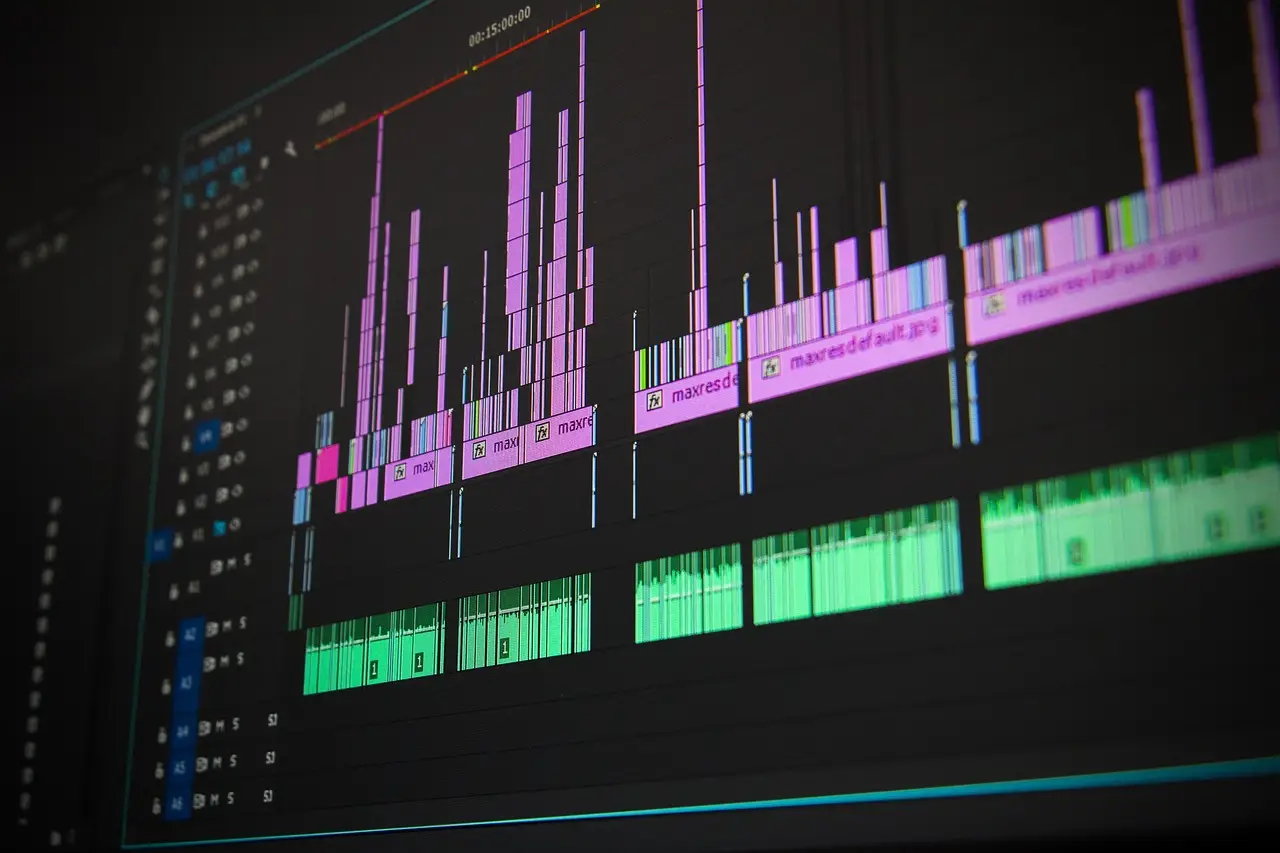
A video that once took 14 to 22 hours to produce now goes live in under an hour, according to Justin Brown, co-founder of Primal Video, who has published weekly on YouTube for 14 years. Long-form videos in his workflow now go live in around 40 minutes.
Brown shared the workflow on Social Media Examiner's AI Explored podcast. His team edits with Claude Code and ChatGPT Codex running locally on a desktop, not in the cloud, which uses fewer tokens. His current go-to is the latest ChatGPT model in Codex; he also gets good results from Google's Antigravity, though he considers it "a fair bit behind."
What changed for creators?
The barrier to entry has collapsed, Brown said. Creators no longer need to learn Adobe Premiere, Final Cut Pro, or DaVinci Resolve, or understand audio levels and music composition. They learn prompting instead and focus on storytelling, the message, and communication.
Skeptics who say AI can't edit video are typing "edit my video" and hoping for the best, Brown said. An AI editor, like a human editor, needs guidelines and clear instructions to reach a good result without burning tokens, time, and money on extra rounds.
How does the workflow run?
Brown's process has ten stages:
- Goal-setting and training. Telling an AI to "make a good video" fails because "good" varies by niche. Brown defines the goal — awareness, leads, followers, or sales — and feeds the AI standout videos from niche leaders. The AI reverse-engineers pacing, title density, on-screen action, and use of sound effects before touching his footage.
- Shooting for the edit. Brown records one continuous file, always uses the last take, pauses between statements, and restarts full sentences when a line goes wrong. Human editors often missed his clap cues; the AI follows spoken instructions like "actually, use the first take" reliably.
- One project folder. Subfolders hold raw footage, B-roll, music, photos, and graphics, with a shared folder for licensed music and show bumpers across a series.
- Accurate transcripts. Brown calls transcription "the most important step." Timing matters more than words, so the AI can cut between words rather than clipping them. Long videos compound a one- or two-second error into out-of-sync audio. He warns the AI "can gaslight its user," claiming a full transcription while missing sections. Deepgram, a paid cloud service, works best for long-form; he loaded $20 in prepaid tokens months ago and hasn't needed more.
- Two editing passes. A story pass builds the A-roll and removes bad takes; a polish pass adds titles, graphics, and music. A timing script showing what the AI cut and kept costs almost nothing to generate and catches problems early.
Which tools add the polish?
Claude's built-in skill designs and animates graphics from a single prompt, and can match brand fonts and colors from a PDF or website. For advanced work, Brown's standout is HyperFrames, an open-source framework from HeyGen that works across AI models. It places text behind the speaker, generates animated graphics from the transcript — Brown mentioned a Venn diagram in one video and the AI built it behind him — improves screen-recorded tutorials by tracking the mouse, and zooms in on key statements.
Epidemic Sound and Artlist now offer MCP connections that let the AI select, place, and replace music directly in the timeline. ChatCut, a free Mac and Windows tool, provides a visible timeline for review without rendering, and the AI learns the creator's style from manual tweaks.
Brown's biggest level-up is an orchestrator: a named manager chat that spins up sub-agents for captions and graphics, enforces standing rules, and checks its own work before he sees the video. In long threads, the AI loses context; the orchestrator fixes that.
The takeaway, in Brown's words: ask the AI "What can you do? What should I do for my video?" — then train it over time.
via Social Media Examiner (Source)
More from Tom Whitfield
Show full bio
Staff writer covering companies, deals and strategy in marketing, advertising, marketing technology, media, SEO and search at Marketing Herald.
291 articles
More on the wire
- Instagram Offers $50K-$500K for Long-Form Video, But No Revenue Model
- Instagram Edits Lands on Mac: Free 4K, AI Agents and a Shot at CapCut
- YouTube Is Now the Most-Cited Platform Across Eight AI Search Tools
- YouTube Will Cut Reach of Channels Reposting Barely Changed Clips
- Pixability Launches Pixie to Filter AI Slop on YouTube